Recently we have a requirement to modify the content of communication templates based on the record; for instance, put all the lines of a PO into the communication template before sending an email.
Also, this technique can be used to send PO to the vendor by creating a new relationship to get the email id of the vendor from Companies.
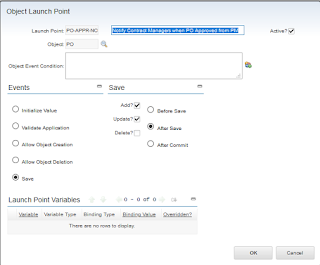
1. Create an Object Launch Point automation script with SAVE - ADD - After Save events.
2. put this code as a script. it will call an existing template, modify and send it.
Also, this technique can be used to send PO to the vendor by creating a new relationship to get the email id of the vendor from Companies.
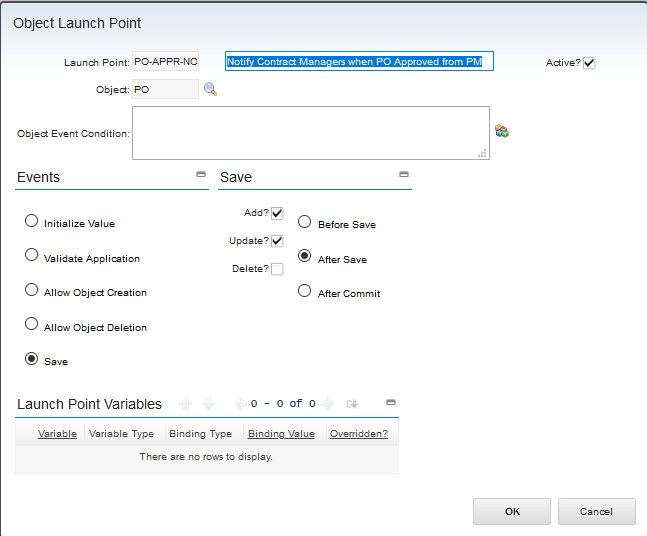
1. Create an Object Launch Point automation script with SAVE - ADD - After Save events.
2. put this code as a script. it will call an existing template, modify and send it.
if (mbo.getString("STATUS") == "APPR"):
# whereclause is a string with condition to select a comm.template
whereclause = "TEMPLATEID ='PO-APPR-MGRR'"
# Get the Communication template via Asset relationship to send email
# mbo is implicit asset object through which we get a template
ctMboSet = mbo.getMboSet("$commtemp","COMMTEMPLATE",whereclause);
ctMboSet.setQbeExactMatch("true")
ctMboSet.reset()
ctMbo = ctMboSet.getMbo(0)
corcount = mbo.getMboSet("POLINE").count()
coractionset = mbo.getMboSet("POLINE")
txtres = " "

