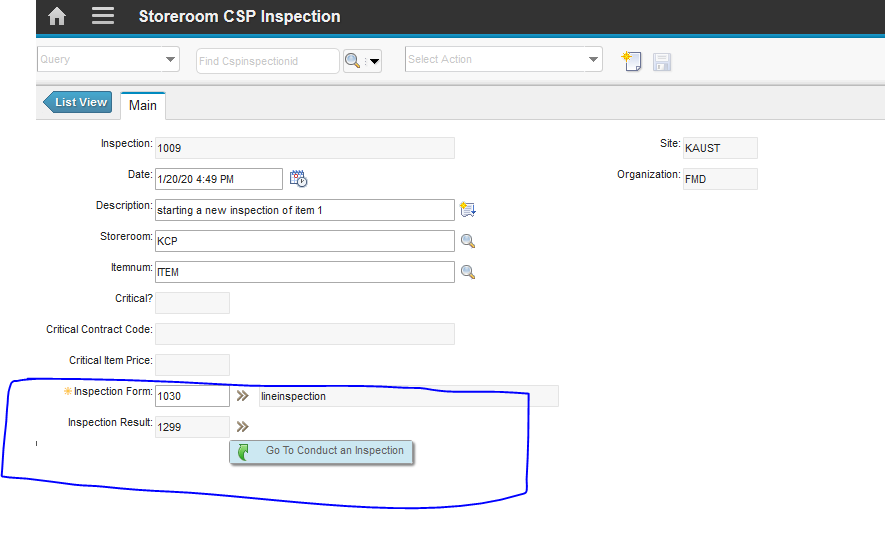
Conduct and inspection is a new work center in Maximo 7609. The user can conduct inspection base on Asset, Location and Work orders.
One of our requirements is to have an SR again if inspection Fails., below is the solution using automation script.
1) Create Automation Script
In automation Script, we have to select create SCRIPT Launch POINT
Use the pre-defined structure of the script name OSACTION.MXAPIINSPRESULT.CREATEINSPSR
You can change the CRATEINSPR in the above name OSACTION.MXAPIINSPRESULT will remain the same.
Use Below Script to Create SR, this script will create SR when the user selects Yes in the inspection form that He/She wants to create SR.

One of our requirements is to have an SR again if inspection Fails., below is the solution using automation script.
1) Create Automation Script
In automation Script, we have to select create SCRIPT Launch POINT
Use the pre-defined structure of the script name OSACTION.MXAPIINSPRESULT.CREATEINSPSR
You can change the CRATEINSPR in the above name OSACTION.MXAPIINSPRESULT will remain the same.
Use Below Script to Create SR, this script will create SR when the user selects Yes in the inspection form that He/She wants to create SR.